




How do I upgrade to the Lifetime plan?
Last updated
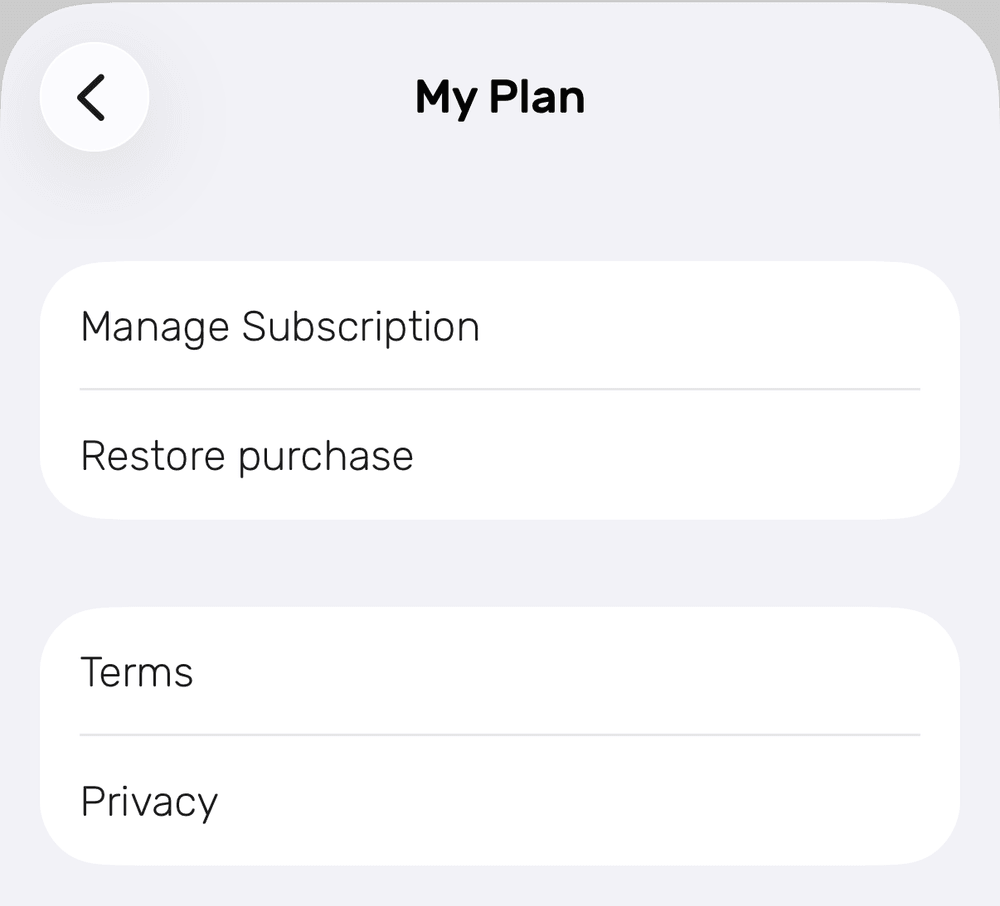
On iPhone or iPad, go to Settings → My Plan and tap Upgrade to Lifetime (or Upgrade Plan on a monthly plan). On a Mac, go to Settings → Noted+. Upgrade in the same app where you bought your current plan. Your subscription doesn't stop by itself, so cancel it afterwards. SubscriptionShort answer
On iPhone or iPad, go to Settings → My Plan and tap Upgrade to Lifetime (or Upgrade Plan on a monthly plan). On a Mac, go to Settings → Noted+. Upgrade in the same app where you bought your current plan. Your subscription doesn't stop by itself, so cancel it afterwards.
iPhone and iPad
- Open Noted and go to Settings → My Plan.
- Tap Upgrade to Lifetime. On a monthly plan, tap Upgrade Plan and choose Lifetime.
- Follow the on-screen prompts to complete the purchase.
- Cancel your current subscription yourself, because it won’t stop automatically. See How do I cancel my Noted+ subscription?
Mac
- Open Noted and go to Settings → Noted+.
- Click Upgrade to Lifetime (or Upgrade plans on a monthly plan).
- Follow the prompts, then cancel your old subscription.
Upgrade in the same app you bought your plan in. If you subscribed on your Mac, upgrade on your Mac, and the same goes for iPhone and iPad. Otherwise Noted will tell you to switch to the other app.