Skip to content Blog
-
 How to Get More From Every Language Lesson Published on Record your language lesson, tap any phrase in your notes to hear your tutor say it again, and build a practice list for your next lesson.
 -
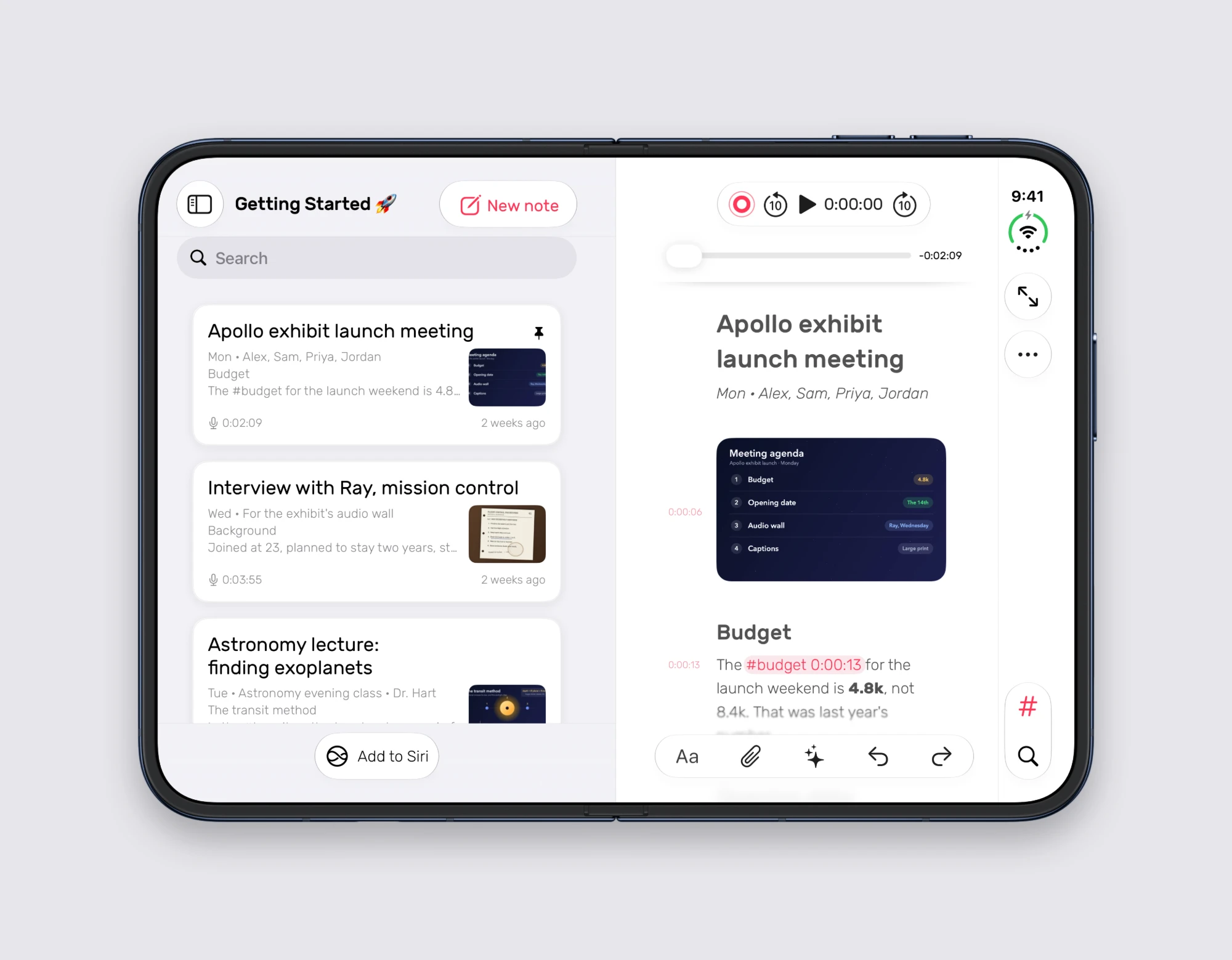 Noted on iPhone Duo Published on Noted 7.1 is ready for iPhone Duo. Open, folded like a book, propped up on a table or closed, every line is a tap from its moment.
 -
 How to Get Up to Speed in a New Job Published on In a new job you’re told everything once. Record the walkthrough, type a word or two, and hear it explained again in Noted instead of asking twice.
 -
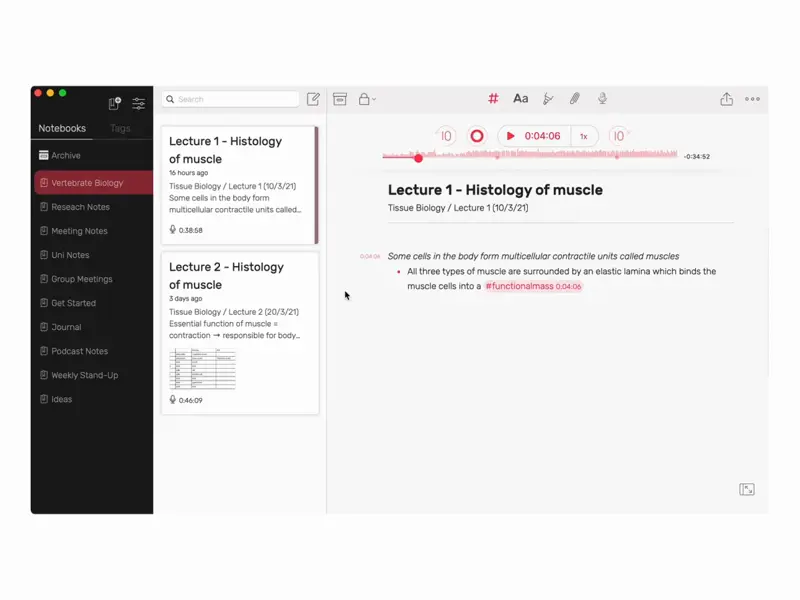 How to Quote People Accurately From an Interview Published on Was it “we’ll never sell” or “we’d never sell”? Mark quotes as you listen in Noted, then tap a line to hear them say it before it goes in print.
 -
 You Don’t Have to Write Everything Down Published on You don’t need to capture every word. Learn how to take lighter notes and use Noted’s linked recordings to find the exact moment later.
 -
 How to Revise for Midterms From Your Lecture Recordings Published on Tag the moments your lecturer stresses while you record, then revise from those tags and a time-stamped summary instead of hours of audio.
 -
 How to Take Meeting Minutes on iPhone Published on Record the meeting, write down what matters, and turn it into clear minutes with decisions and actions you can check against the recording.
 -
 Why a Summary Isn’t Enough: Keep the Recording Published on A summary tells you what was decided. The recording tells you what was actually said. Here’s why you need both, linked together.
 -
 Post-Meeting Amnesia Is Real. And It’s Not Your Fault. Published on You take the notes. You do everything right. So why can’t you find anything?
 -
 5 Ways to Use Noted to Stay Ahead This Semester Published on Five ways students use Noted to record lectures, organise notes and revise faster this semester.
 -
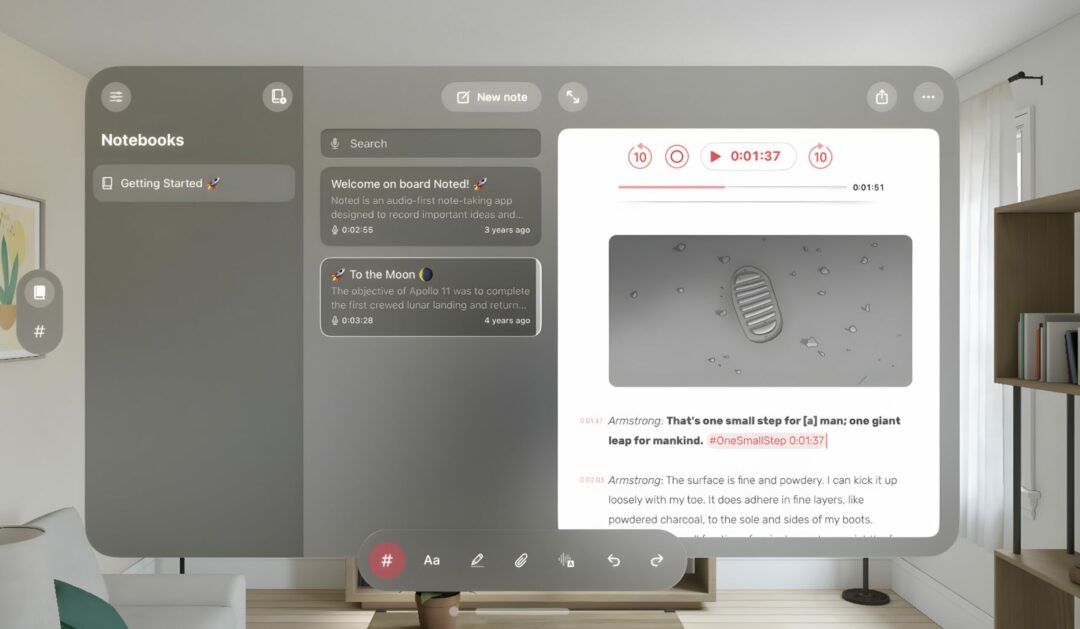 Transform Your Note-Taking with Noted on Apple Vision Pro Published on Noted is now on Apple Vision Pro. What spatial computing brings to your notes, from transcription to your favourite features.
 -
 Your University Success and Well-Being Strategies Published on Practical study habits for a new academic year, and how to build a note-taking routine that survives a busy term.