




How do I delete an Apple Watch recording?
Last updated
On the Watch, open the recording, tap ⋯ and choose Delete, or swipe left on it in the list. On the iPhone, open the Watch tab, touch and hold the recording and tap Delete. Deleted recordings can't be recovered. Apple WatchShort answer
On the Watch, open the recording, tap ⋯ and choose Delete, or swipe left on it in the list. On the iPhone, open the Watch tab, touch and hold the recording and tap Delete. Deleted recordings can't be recovered.
If you no longer need a recording, or made one by mistake, here’s how to delete it.
On Your Apple Watch
Delete one recording:
- Tap into the recording you wish to delete.
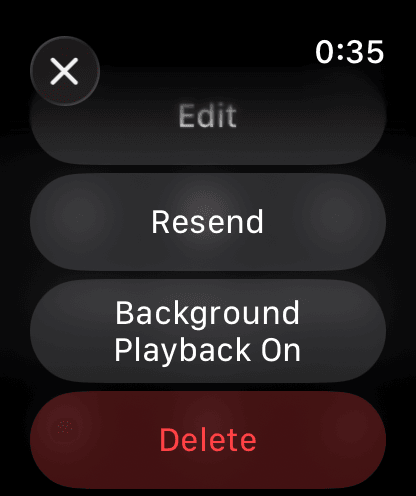
- Tap ⋯ at the top right.
- Tap Delete, then tap Delete again to confirm.
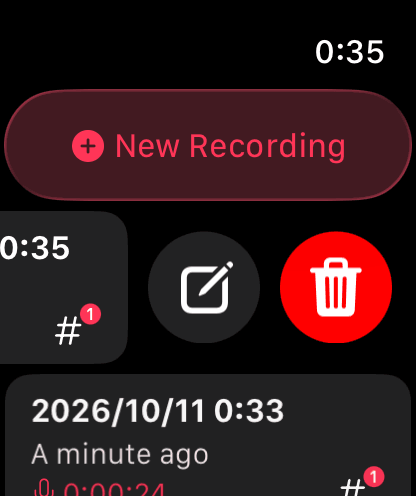
You can also swipe left on a recording in the list and tap the 🗑️ bin icon.
On Your iPhone
- Open the Watch tab.
- Touch and hold the recording, then tap Delete.
To delete several at once, tap Select… at the top right, choose the recordings, then tap Delete at the bottom. Select All is there too.
Note: Deleting a recording on your Watch also removes it from your iPhone, so append it to a note first if you want to keep it.