




How do I set up themes, fonts and date formats?
Last updated
Themes, fonts and date formats are under Settings on iOS and macOS. Pick a space theme, change the editor font and size, and choose how dates appear in your notes; each choice syncs across your devices. Getting StartedShort answer
Themes, fonts and date formats are under Settings on iOS and macOS. Pick a space theme, change the editor font and size, and choose how dates appear in your notes; each choice syncs across your devices.
Whether you use Noted to take notes or flex your creative muscles, there are a number of things you can do to make it more ‘you’!
Themes
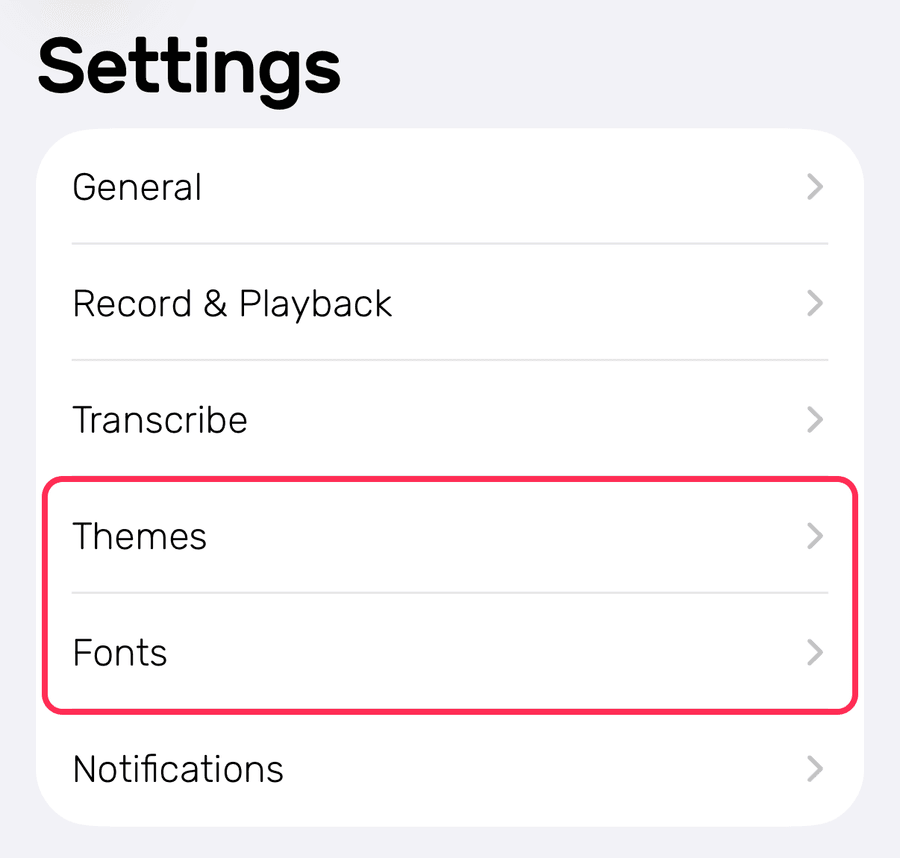
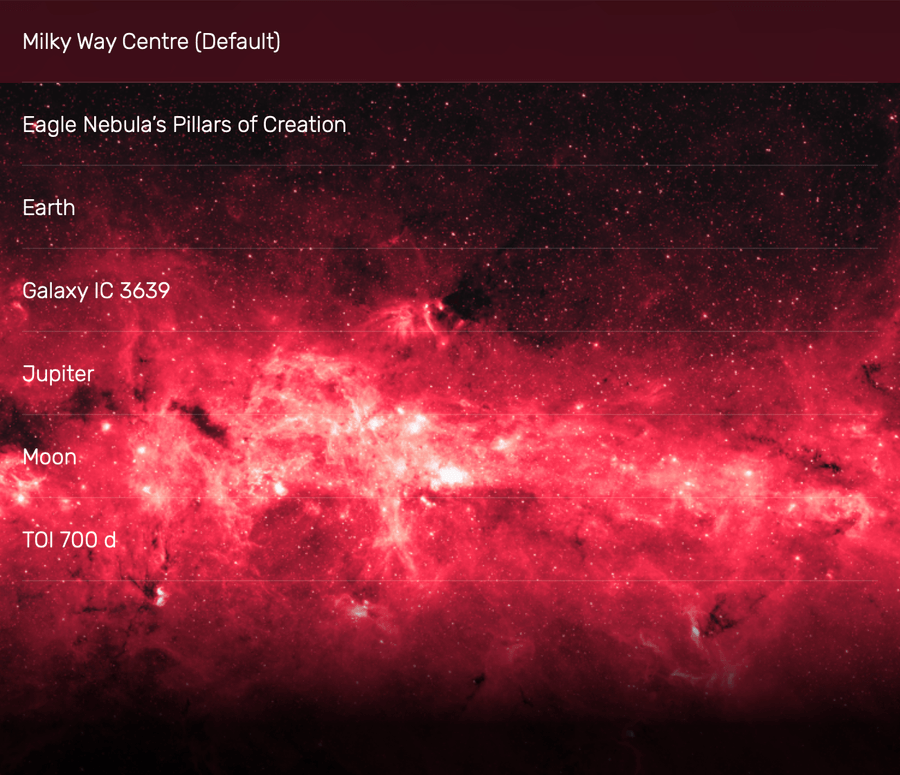
Light up your note-taking space with a selection of stellar space themes, which you can find in Settings > Themes on both iOS and macOS.
Fonts
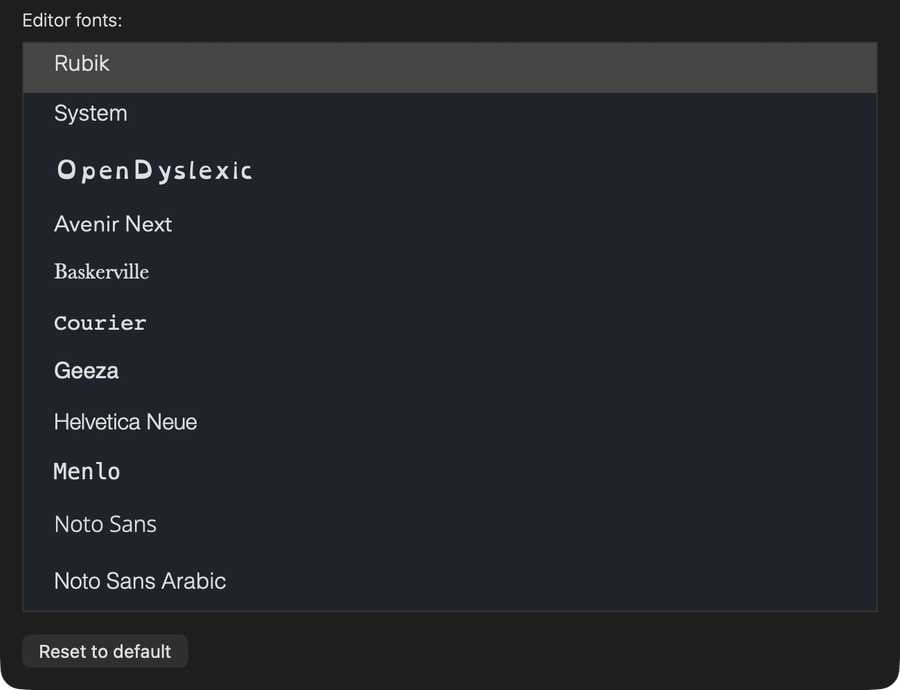
You can change up the font and font size to help you read and digest your notes faster and better.
iOS
Settings > Fonts
macOS
Settings > Fonts
Date Format
Flexible date format allows you to display the date in a way that suits you.
Settings > General > Date format