




How do I change the playback speed of a recording?
Last updated
On iPhone and iPad, tap ⋯ at the top right of a note and choose a speed under Playback Speed, from 0.7x to 2x. On Mac, click the 1x button next to Play. Time-stamps still jump to the right moment at any speed. Record & PlaybackShort answer
On iPhone and iPad, tap ⋯ at the top right of a note and choose a speed under Playback Speed, from 0.7x to 2x. On Mac, click the 1x button next to Play. Time-stamps still jump to the right moment at any speed.
With adjustable Playback Speed, you can easily accelerate or slow down a recording.
This is great news if you have a fast-talking lecturer and you struggle to keep up with what they’re saying, or you often find yourself pressed for time and needing to speed up a recording so you can review notes quicker.
Here’s how to do it on iOS and macOS:
iOS
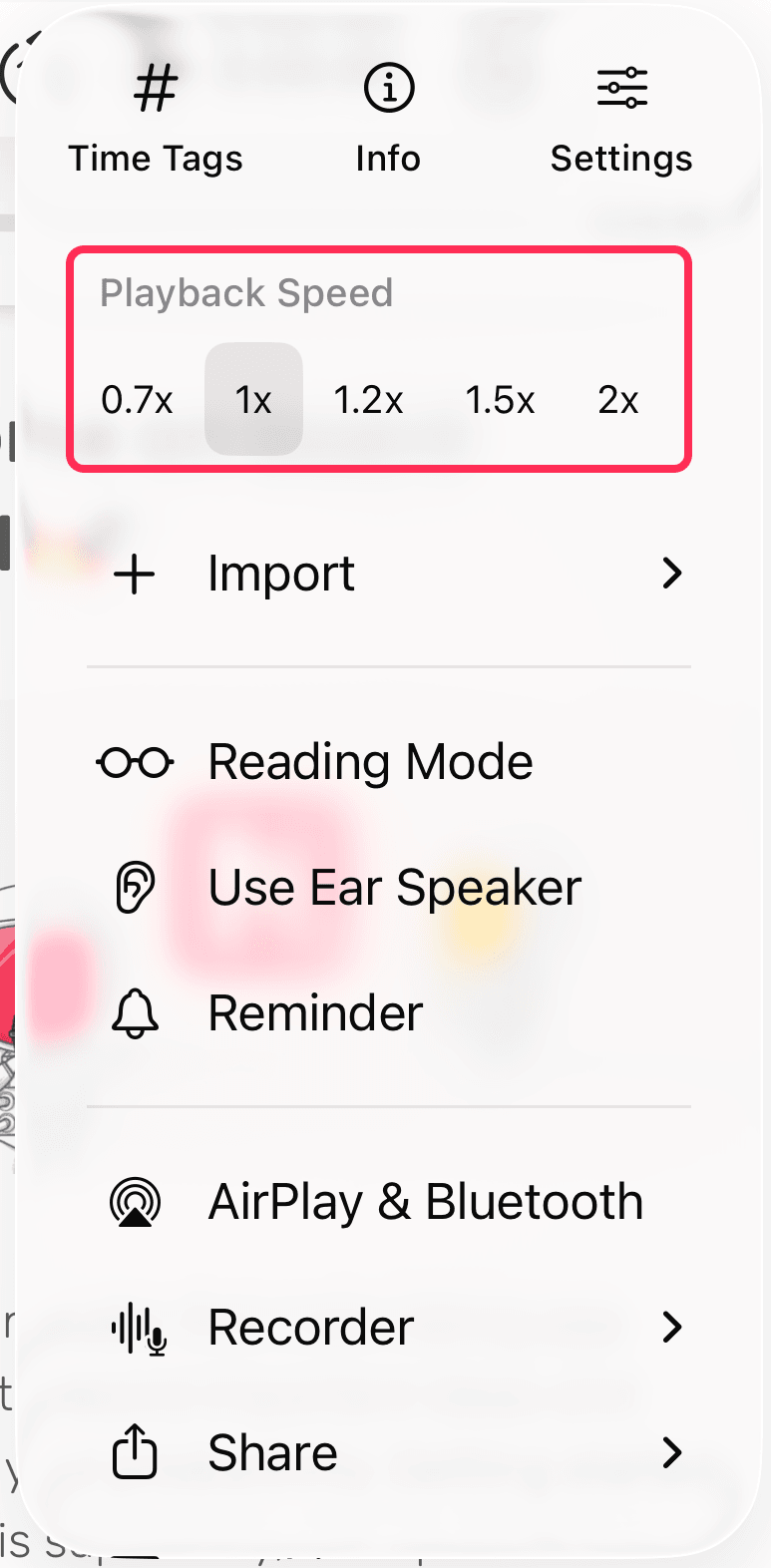
- In a note, tap ⋯ at the top right.
- Under Playback Speed, choose 0.7x, 1x, 1.2x, 1.5x or 2x.
macOS
- Select the 1x button next to the Playback icon.

- In the window that opens, drag the Playback speed slider to the speed you want, from 0.25x to 2x.
