Skip to content Blog
-
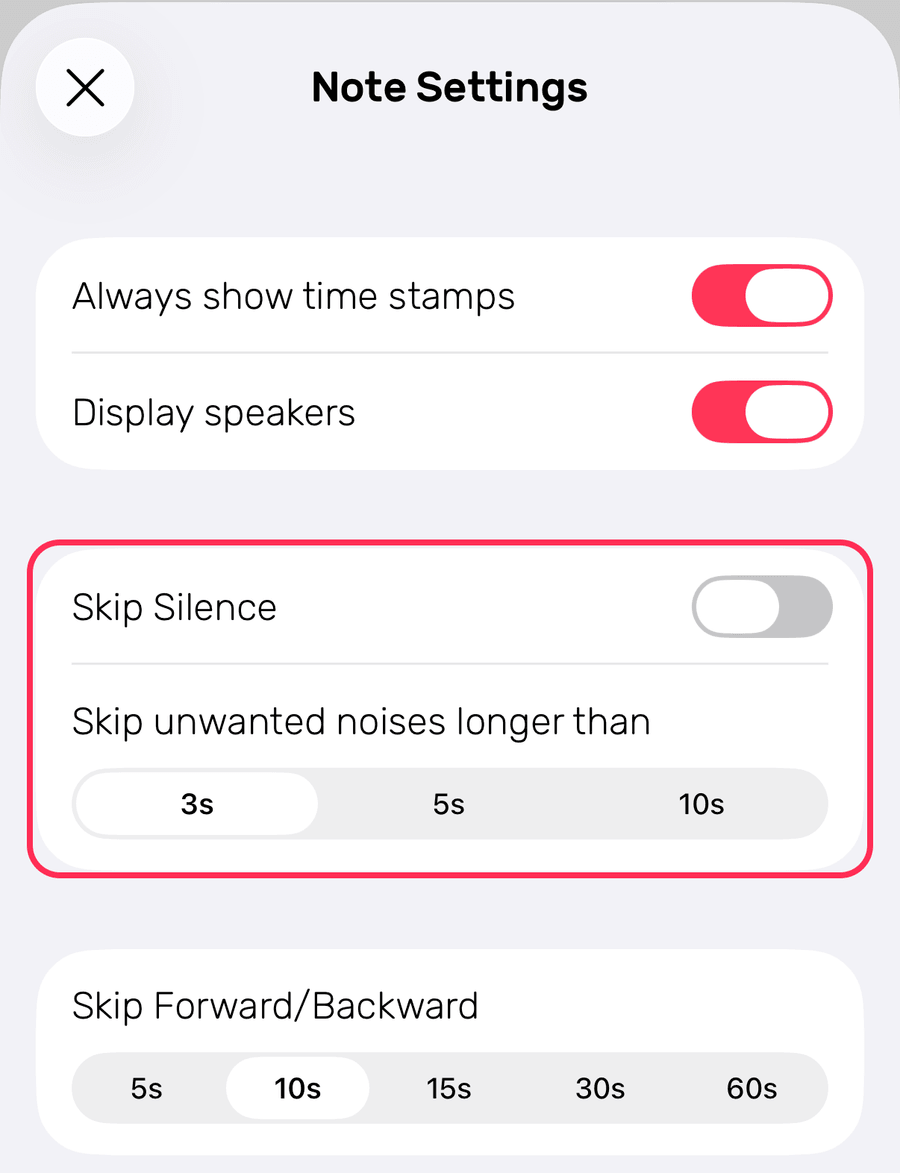 Intelligent Playback: A Time-Saving Way to Review Long Recordings Published on Intelligent Playback skips the silent gaps in a recording. What it does, and how to switch it on in Noted for iOS and macOS.
-
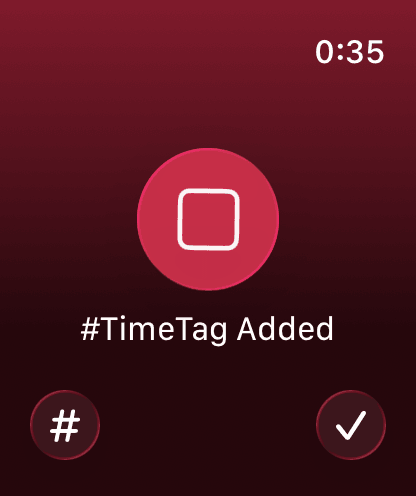 How to Get Started With Noted on Apple Watch Published on Capture ideas from your wrist: how to set up Noted on Apple Watch, record and play back audio notes, and append to an existing note.
-
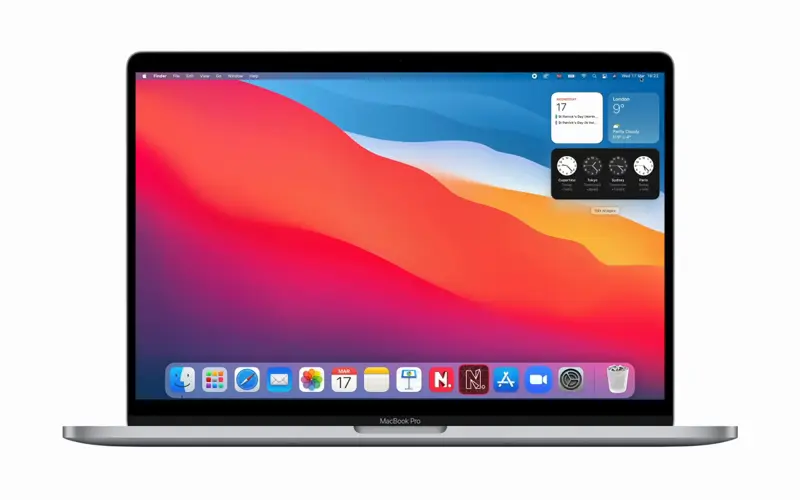 How to Use Noted Widgets to Boost Productivity Published on How to add and customise Noted widgets on iPhone, iPad and Mac so your latest notes and a record button are one tap away.
-
 5 Meeting Hacks to Boost Productivity at Work Published on Five hacks for better meetings at work: keep them small, set an agenda, cap the time, record everything and try standing up.
-
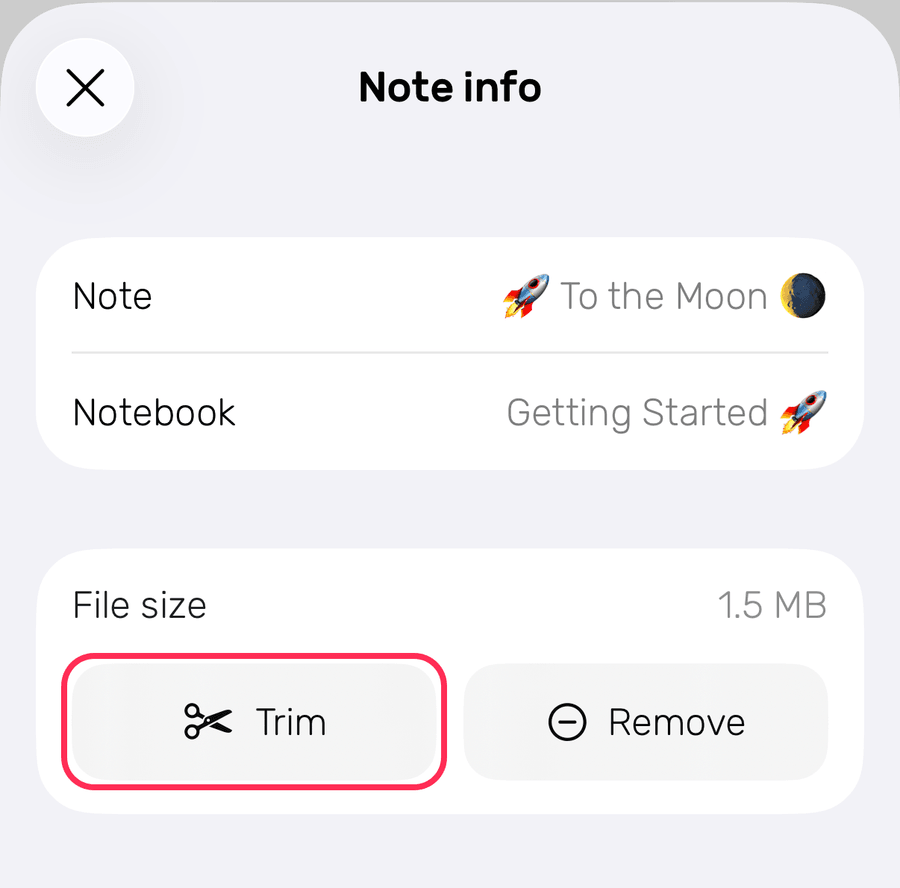 How to Trim Unwanted Parts of an Audio Recording Published on How to use Audio Trimming in Noted on iOS and macOS to cut the unwanted parts from a recording, and how to undo a trim.
- What’s New in Our Version 3.2 Update? Published on Noted 3.2 adds audio trimming, retained timestamps and multiple recording imports. Here is what is new and how to use each one.
-
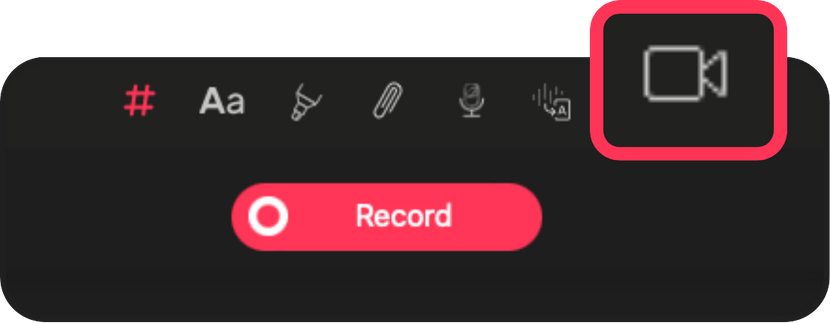 How to Record Zoom Calls and Take Notes Using Noted Published on How to record a Zoom call with Noted’s Screen Recording on Mac, take time-stamped notes alongside it, then review the notes and video together.
-
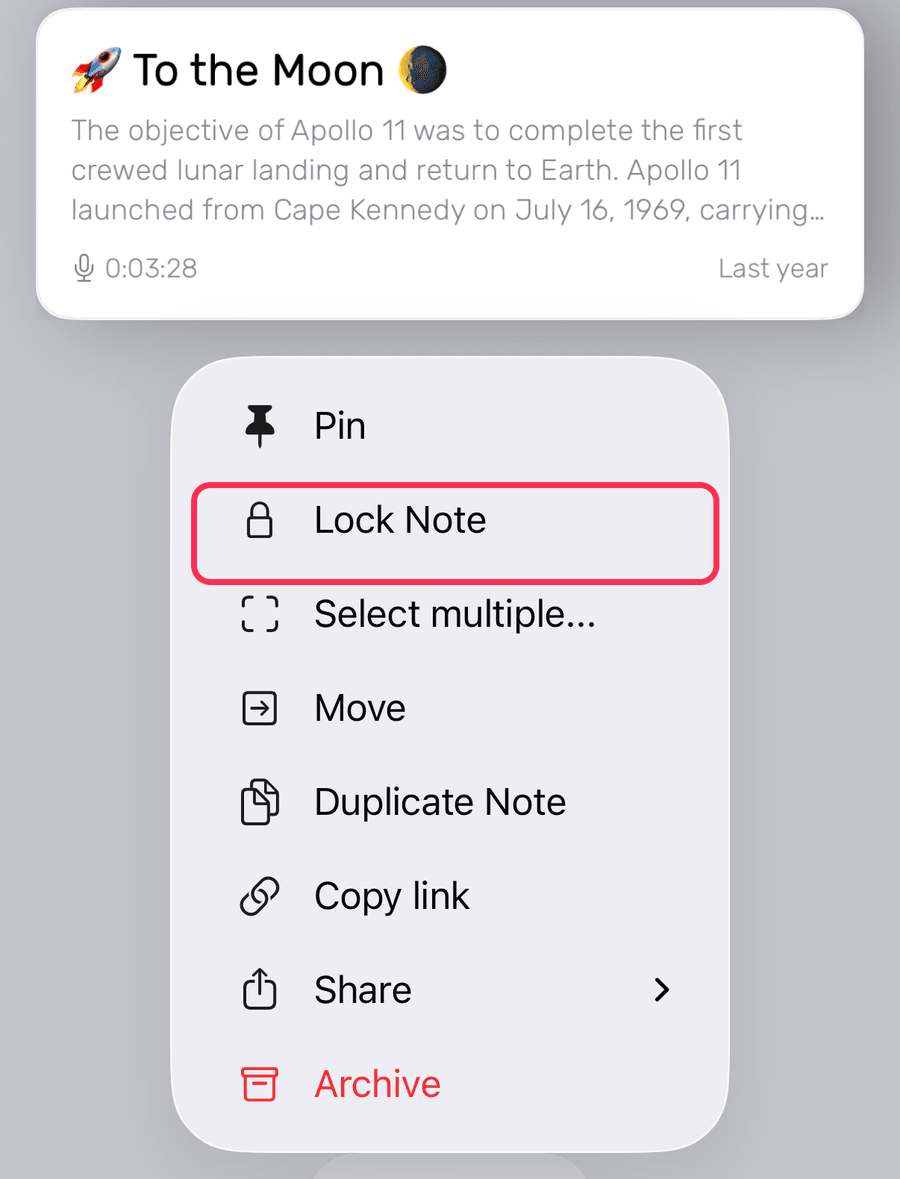 How to Lock Your Notes With Password Protection Published on How to use Lock Note in Noted to password-protect a note on iOS and macOS, and what happens if you forget the password.
-
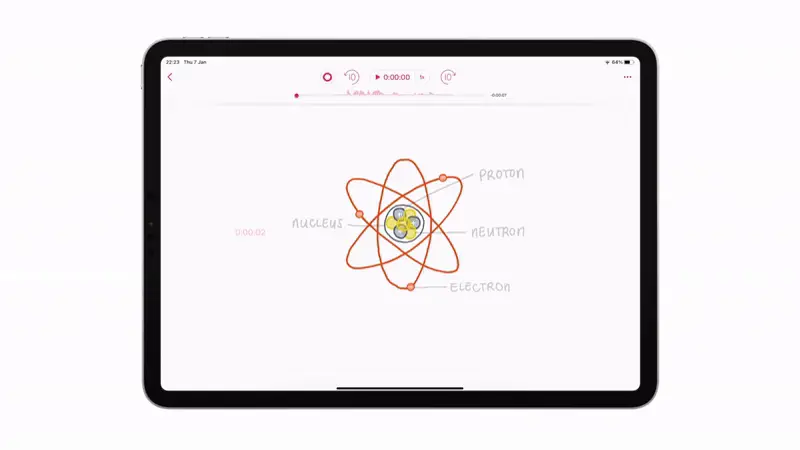 How to Retain Information Effectively Using Time Stroke, and More Published on Time Stroke ties your handwriting and sketches to the audio, so revisiting a drawing replays the moment you made it.
-
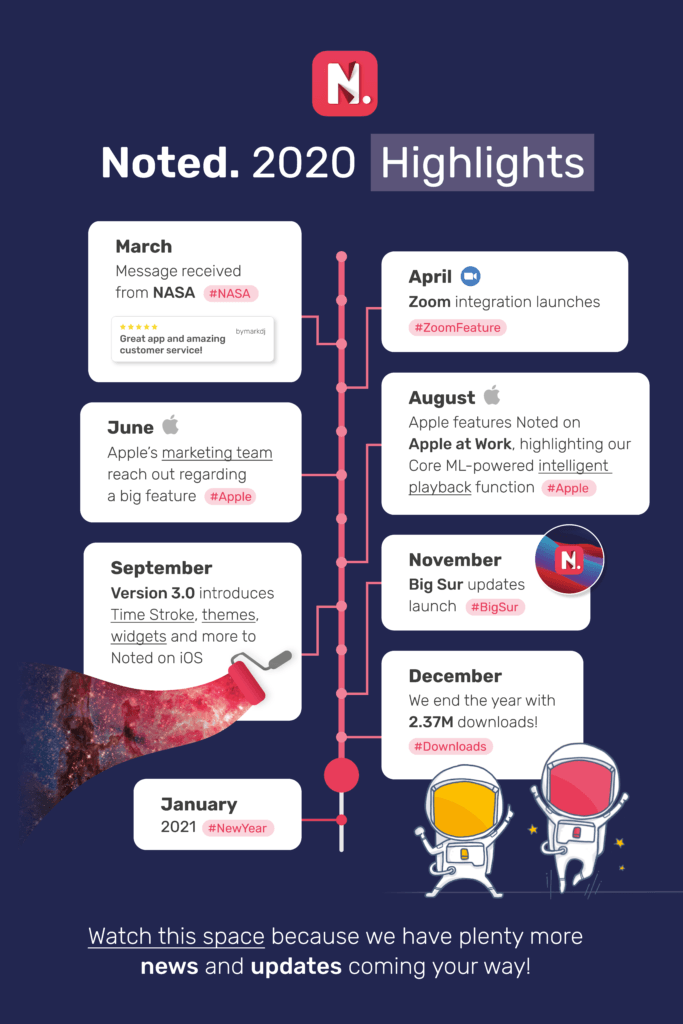 Noted in 2020: A Reflection on Our Journey & Path Ahead Published on A look back at Noted in 2020: the Zoom integration, version 3.0, the Big Sur update and the reviews, plus what is coming in 2021.
-
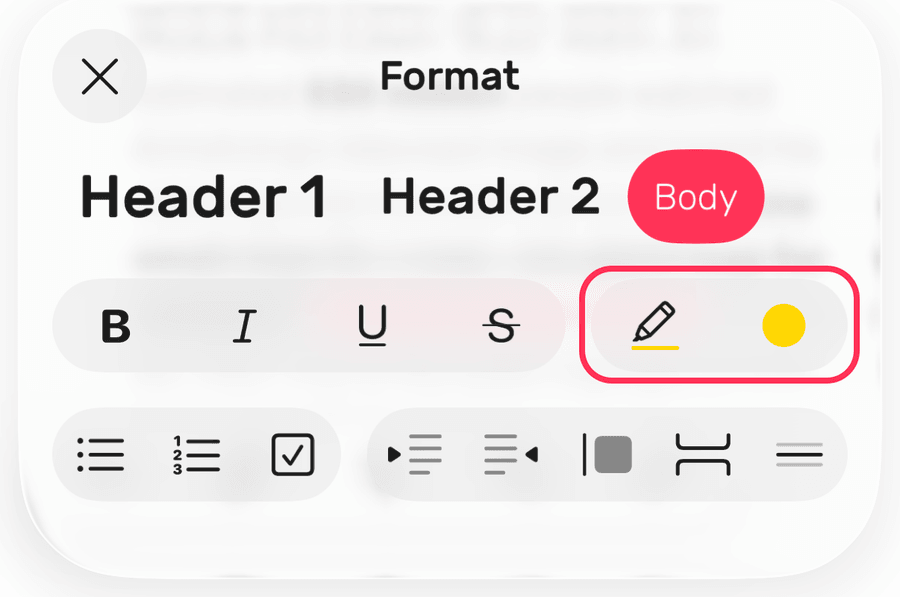 How to Improve Your Notes Using the Highlight Tool Published on Using the Highlight tool is an effective way to make the most of your notes.
-
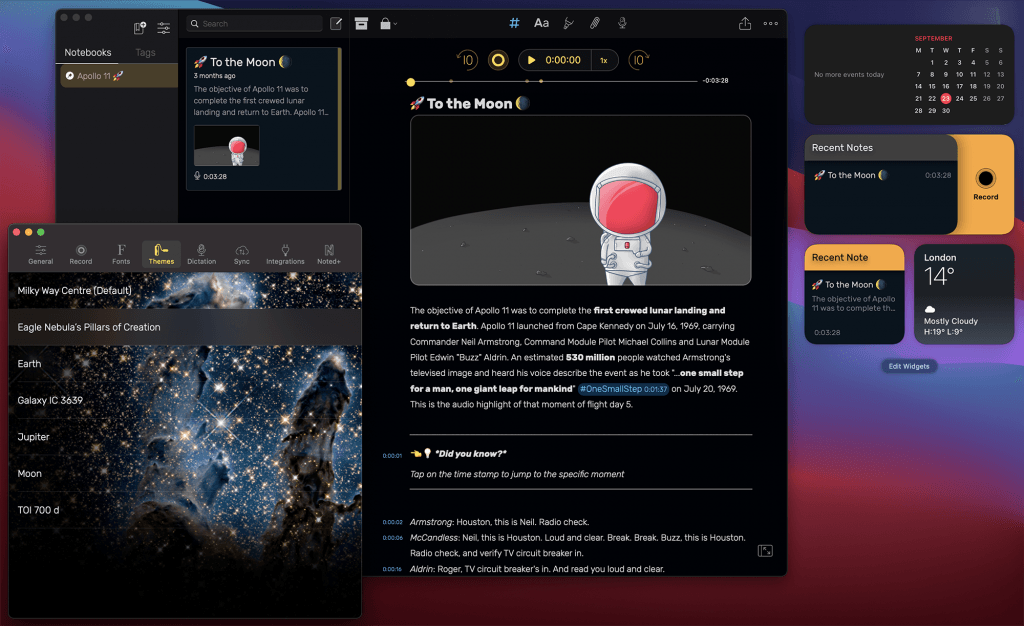 What’s New in Our macOS Big Sur Update? Published on Noted’s Big Sur update brings new space themes to your Mac. What is new, and what it means if you are still on Catalina.