

摘要
取得重點、決定與待辦事項,同時保留背後的錄音。輕點任一重點,即可重聽當時說了什麼。
限時優惠 · Noted+ 新用戶
首年訂閱享 7 折。
在 App Store 兌換用 iPhone 相機掃描 QR 碼,即可在 App Store 開啟此優惠。
優惠至12月31日止。之後按標準年費續訂。


為會議、講座與訪談錄音,隨時找回每一刻。


五百萬次下載 持續增加



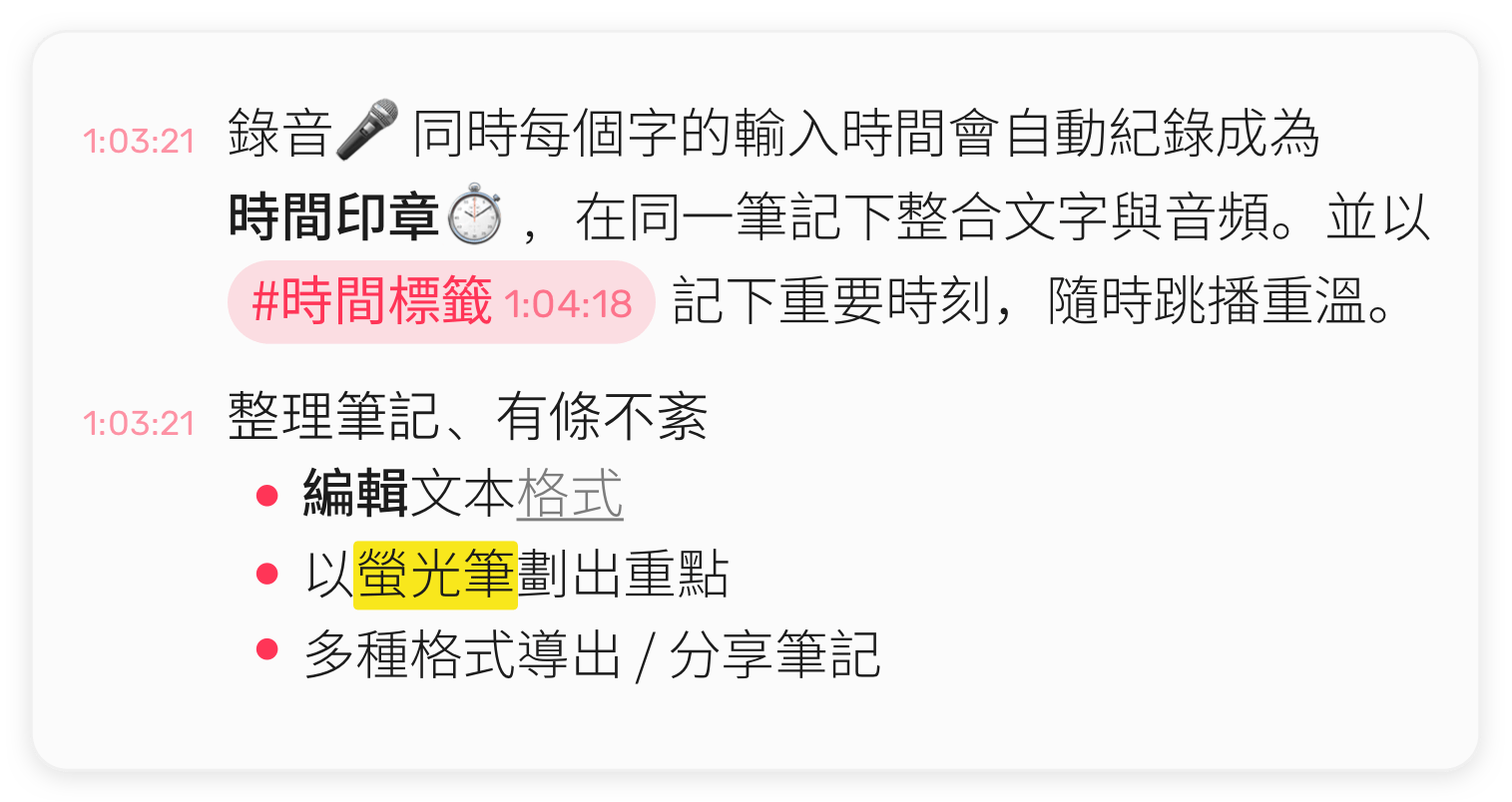
你輸入的每個字都會與錄音 🎤 的時間點 ⏱ 對應。輕點一行,即可聽到那一刻。
隨手為關鍵時刻加上 #TimeTag,之後一點就能回到那裡。
你還可以:
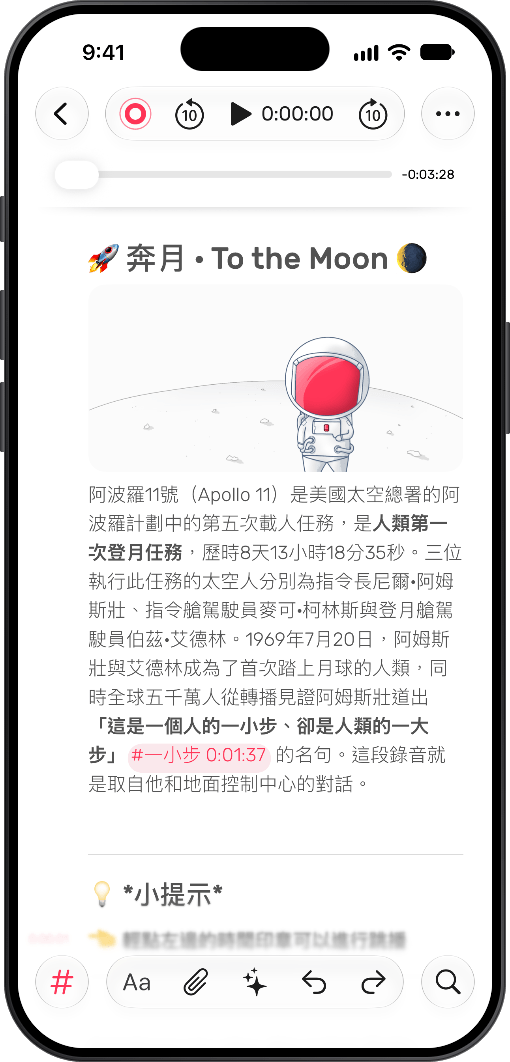
即時轉錄會在錄音時記下每一個字,並標出誰說了什麼。專心留在對話裡,不必埋頭速記。
支援 Apple Pencil,點一下就能開始書寫。可調整的頁邊距,讓你有足夠空間表達自己。
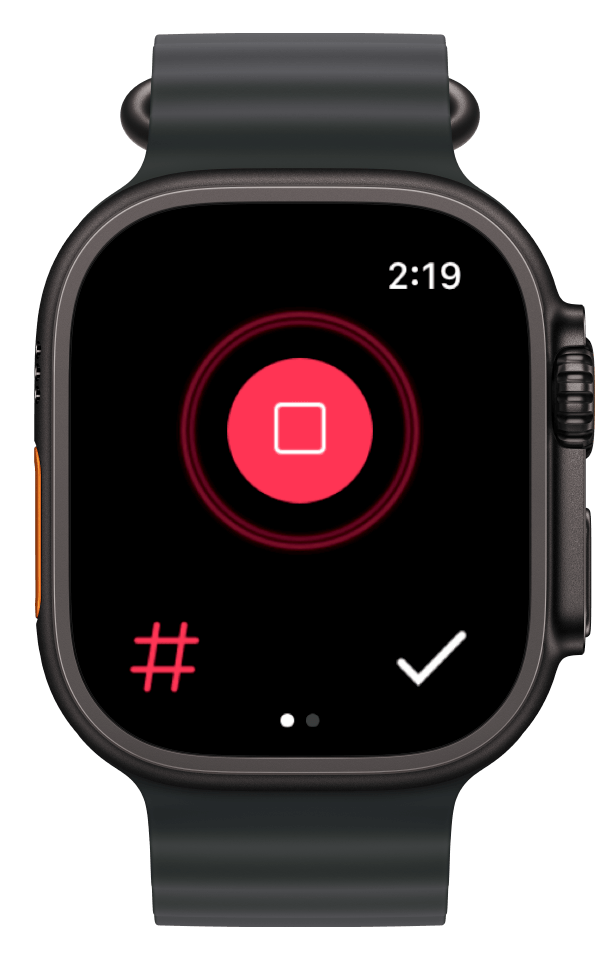
直接從手腕開始錄音,隨時隨地捕捉那些值得記住的靈光一現。
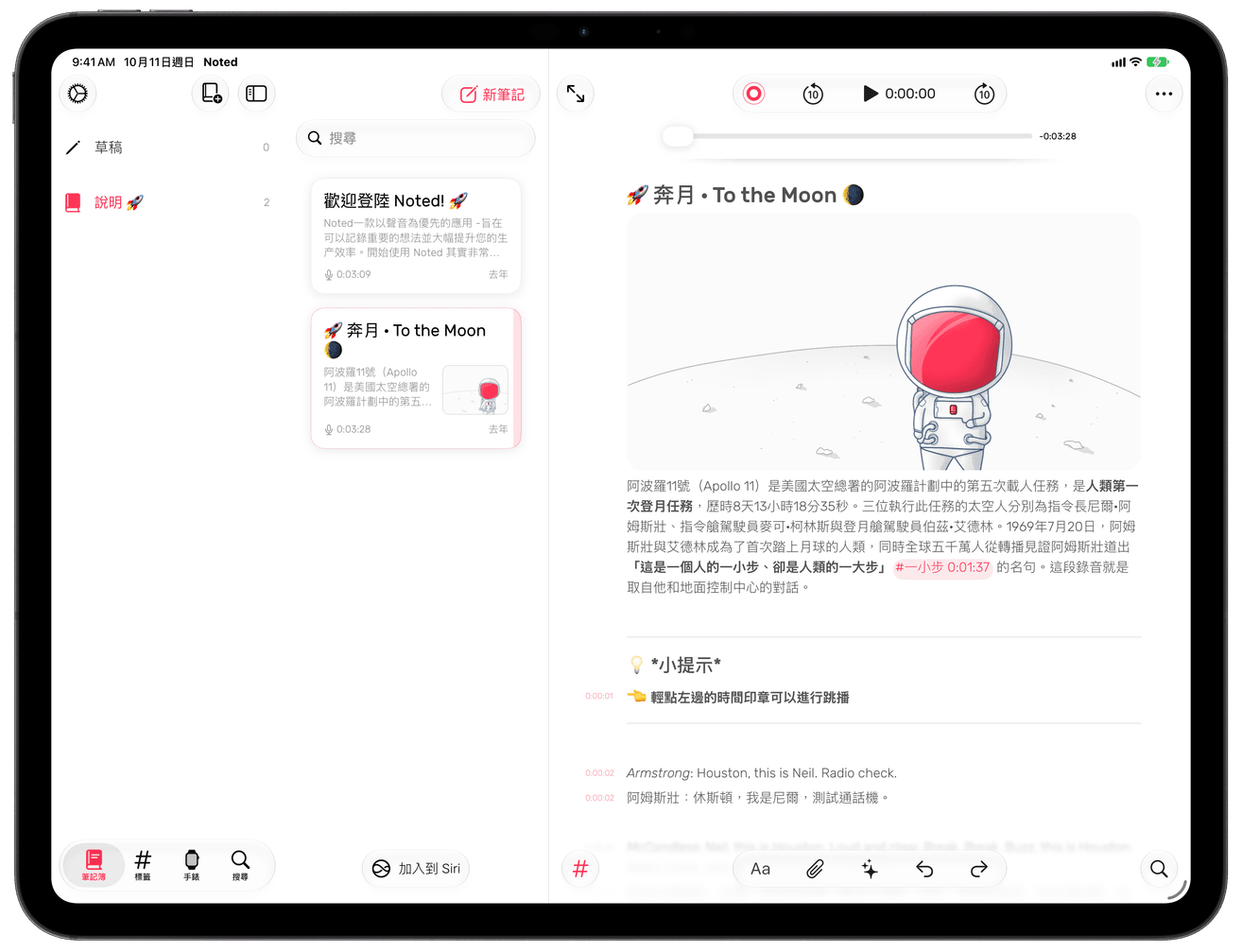
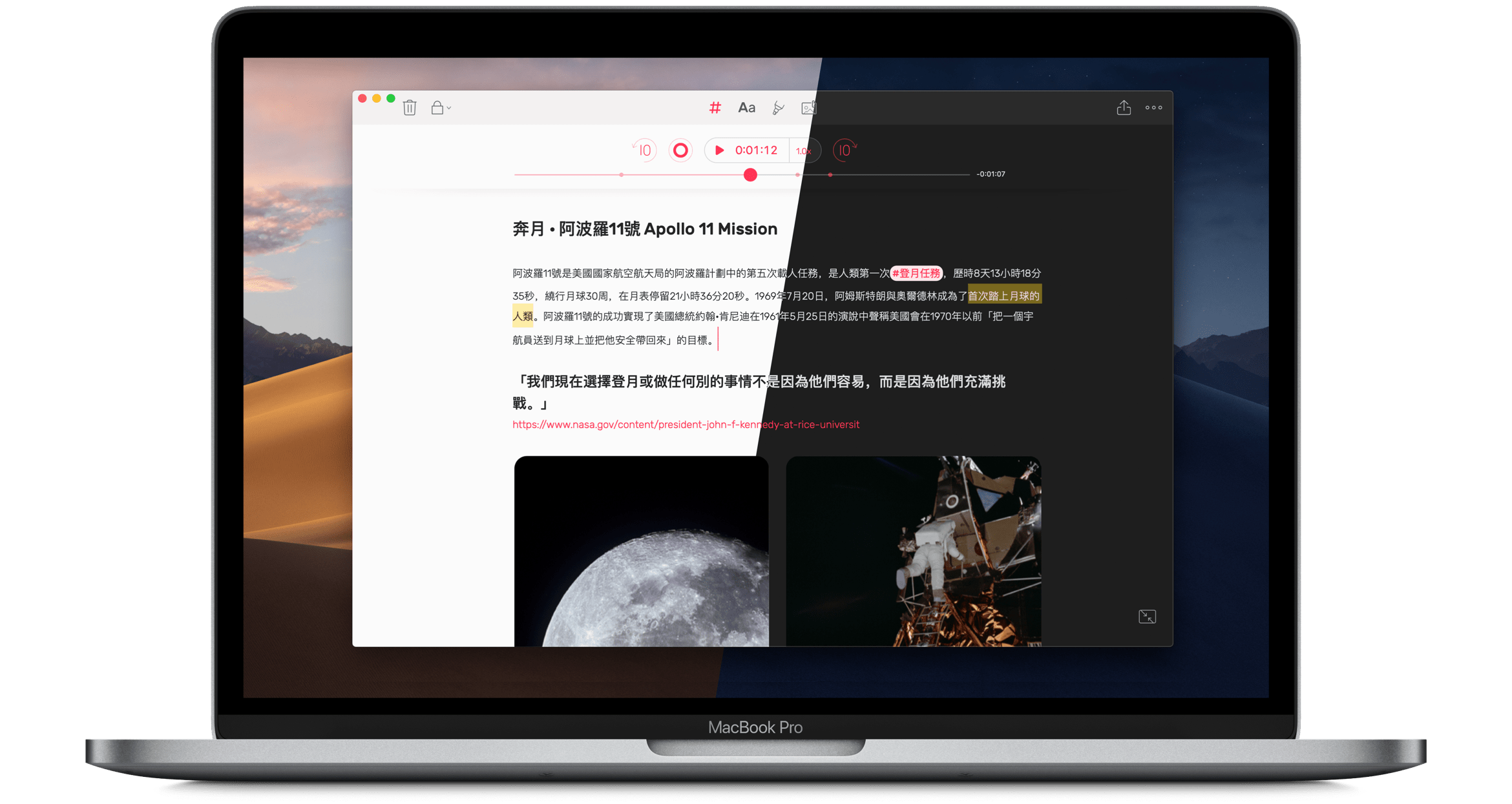
隨時在 Mac 與手機之間切換。開會或上課都很方便,也是效率的一大提升。
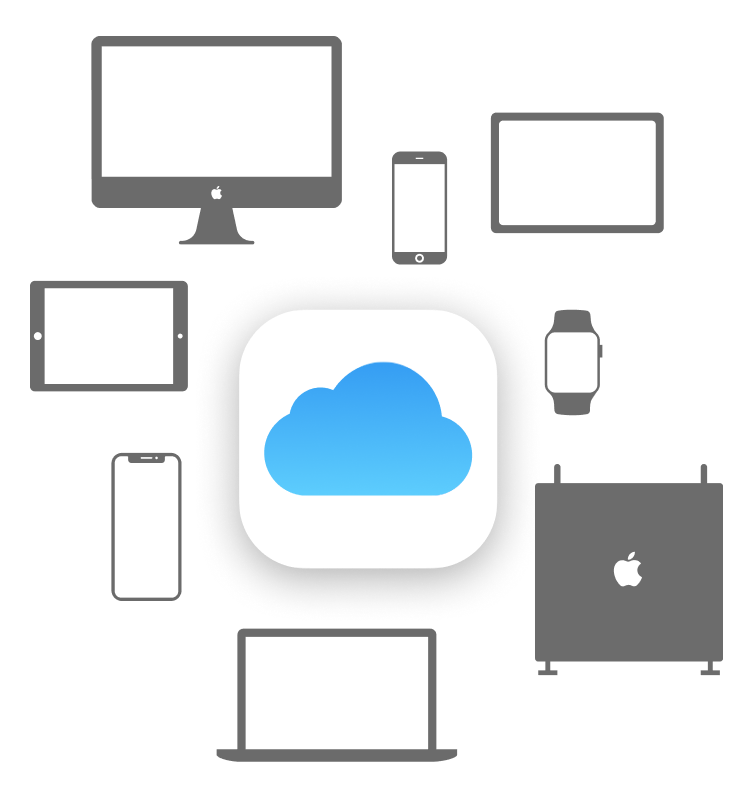
筆記透過 iCloud 同步,讓你隨時在任何裝置上取用。
取得重點、決定與待辦事項,同時保留背後的錄音。輕點任一重點,即可重聽當時說了什麼。
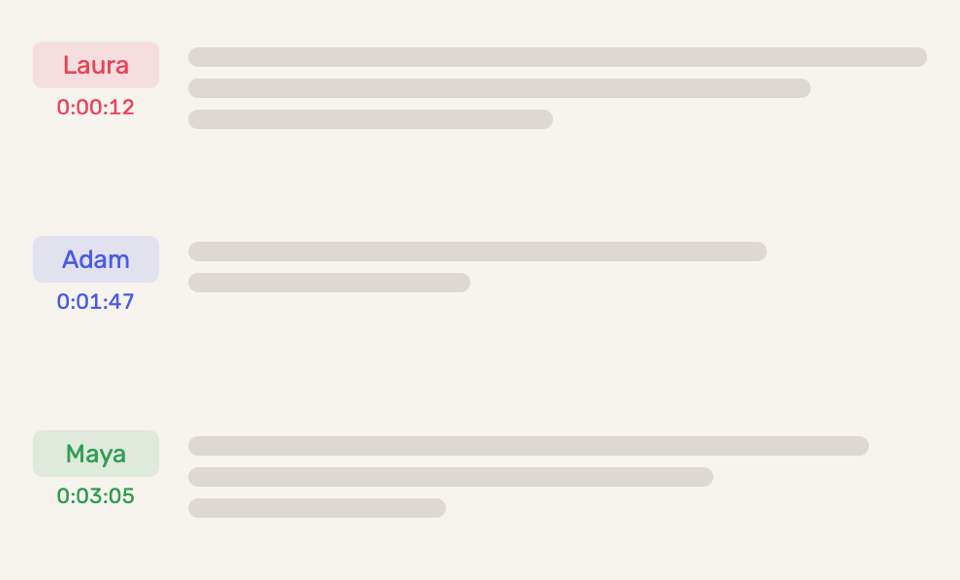
知道誰說了什麼。Noted 會在轉錄中標出每個人的聲音,你還可以為每位講者填上真實姓名。

打造屬於你的 Noted。可選淺色與深色主題,主畫面上的應用程式圖示也會隨之換色。
機器學習會辨識並跳過錄音中的背景噪音與靜音,直接帶你到最重要的部分。
 匯出 PDF
  調整邊界
調整邊界  網頁分享筆記
  日期格式
日期格式  降噪
降噪  快轉倒帶
快轉倒帶  封存筆記
封存筆記  等化器
等化器  匯出 Watch 錄音
  匯入文件
匯入文件  錄音品質
錄音品質  音訊修剪
音訊修剪  匯入多段錄音
  保留時間戳記
 我們喜歡它簡潔的介面和各種額外功能:自訂顏色和樣式、用螢光筆標示文字、加入圖片,還能隨手塗鴉。
如果你曾試過一邊聽別人說話一邊做筆記,就知道要記下每一個字是不可能的。Noted 讓你在錄製帶時間戳記的音訊的同時做筆記,把這兩個問題一併解決,為你省下大量時間。
Noted 把富文字記事本和語音備忘錄合而為一。這在 iPhone 上並不是新概念,但 Noted 能讓你在錄音中標記重要時刻,因而與眾不同。
高效又好用。非常適合需要在講座、會議和採訪中同時錄音和做筆記的人。
Noted 設計簡潔,輕點幾下就能新增筆記並開始錄音。錄音時,Noted 會為每一個新行加上時間戳記,要跳到音訊中的特定位置也很容易。
錄音功能讓它脫穎而出。如果你經常錄製採訪,或是常常把會議、課堂錄下來以便日後查閱,Noted 值得一試。
五星評分,滿分五星
非常用心的軟體,我上個月提出新增刪除錄音功能的建議,這次更新就加上這功能了,很棒團隊。
五星評分,滿分五星
介面簡潔, 非常實用
五星評分,滿分五星
有 Mac 版可搭配使用!改回5星!!
適用於 iPhone、iPad、Mac、Apple Watch 與 Apple Vision Pro。

