

摘要
获取要点、决定与待办事项,同时保留背后的录音。轻点任一要点,即可重听当时说了什么。
限时优惠 · Noted+ 新用户
首年订阅享 7 折。
在 App Store 兑换用 iPhone 相机扫描二维码,即可在 App Store 打开此优惠。
优惠截至12月31日。之后按标准年费续订。


为会议、讲座与访谈录音,随时找回每一刻。


五百万次下载 仍在增长



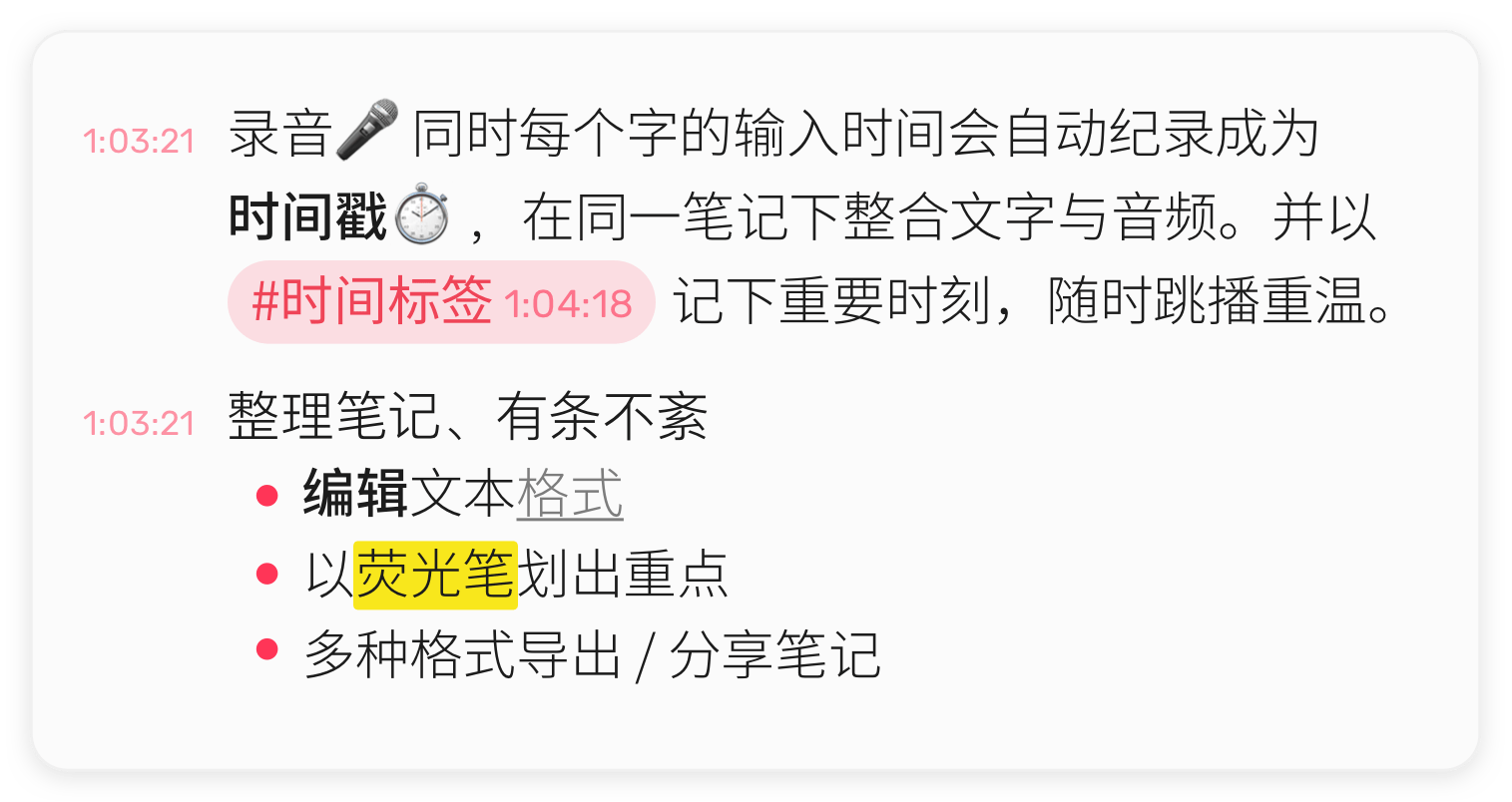
你输入的每个字都会与录音 🎤 的时间点 ⏱ 对应。轻点一行,即可听到那一刻。
随手为关键时刻加上 #TimeTag,之后一点就能回到那里。
你还可以:
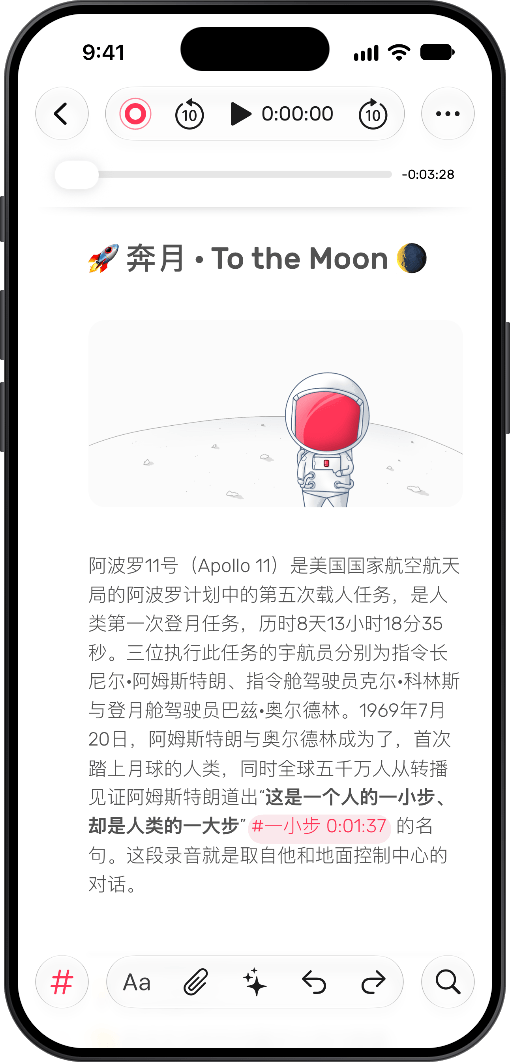
实时转录会在录音时记下每一个字,并标出谁说了什么。专心留在对话里,不必埋头速记。
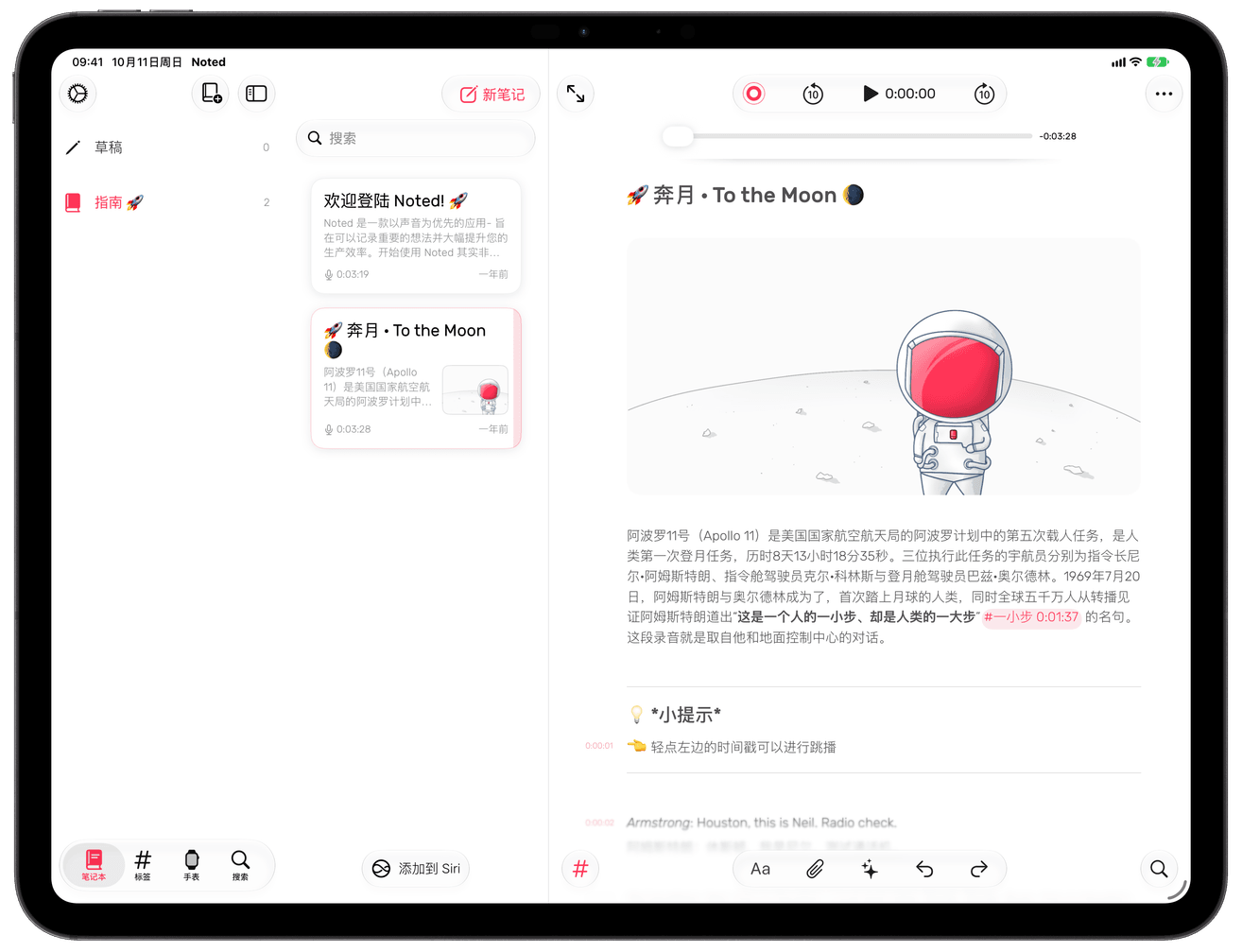
支持 Apple Pencil,点一下就能开始书写。可调整的页边距,让你有足够空间表达自己。
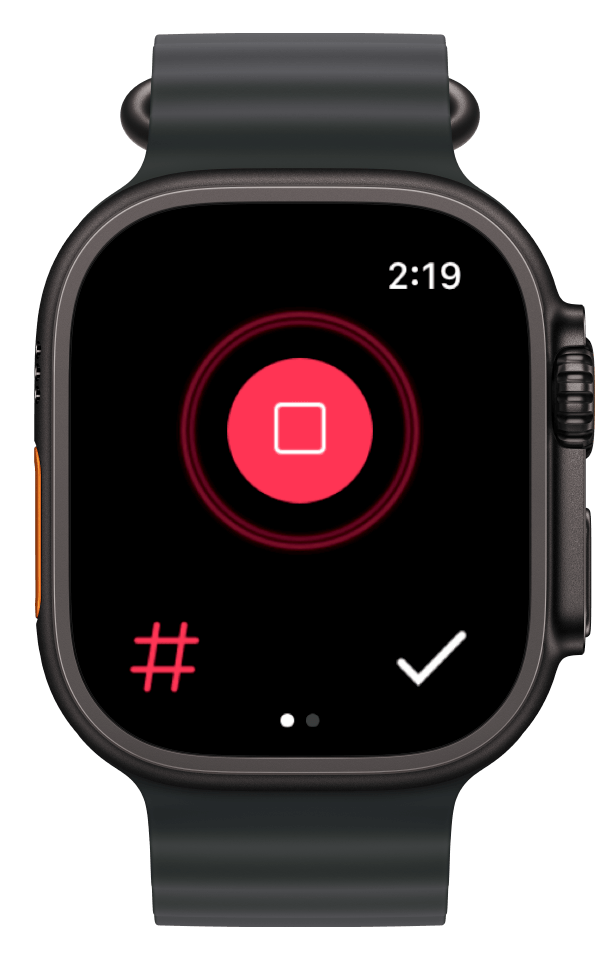
直接从手腕开始录音,随时随地捕捉那些值得记住的灵光一现。
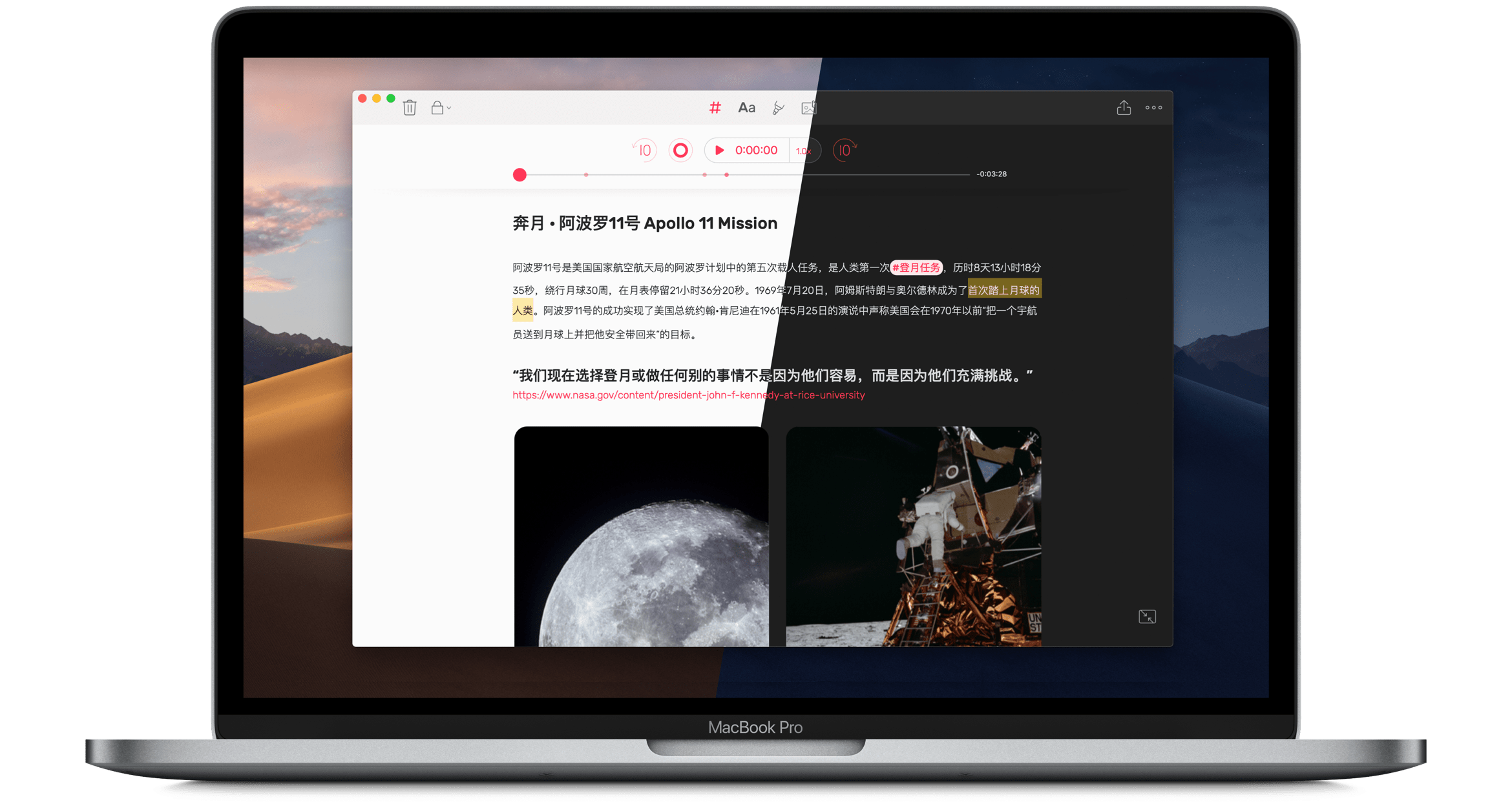
随时在 Mac 与手机之间切换。开会或上课都很方便,也是效率的一大提升。
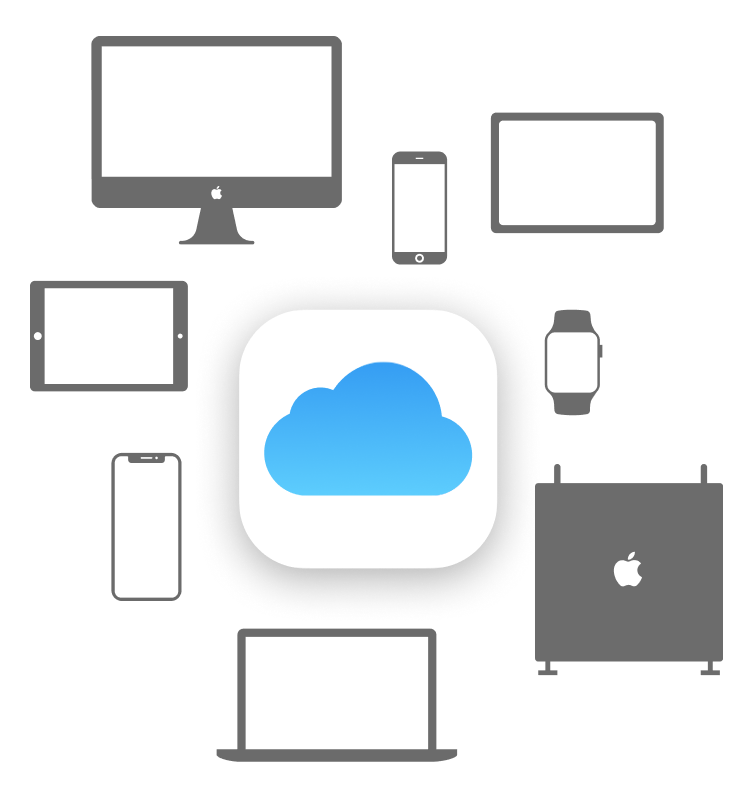
笔记通过 iCloud 同步,让你随时在任何设备上取用。
获取要点、决定与待办事项,同时保留背后的录音。轻点任一要点,即可重听当时说了什么。
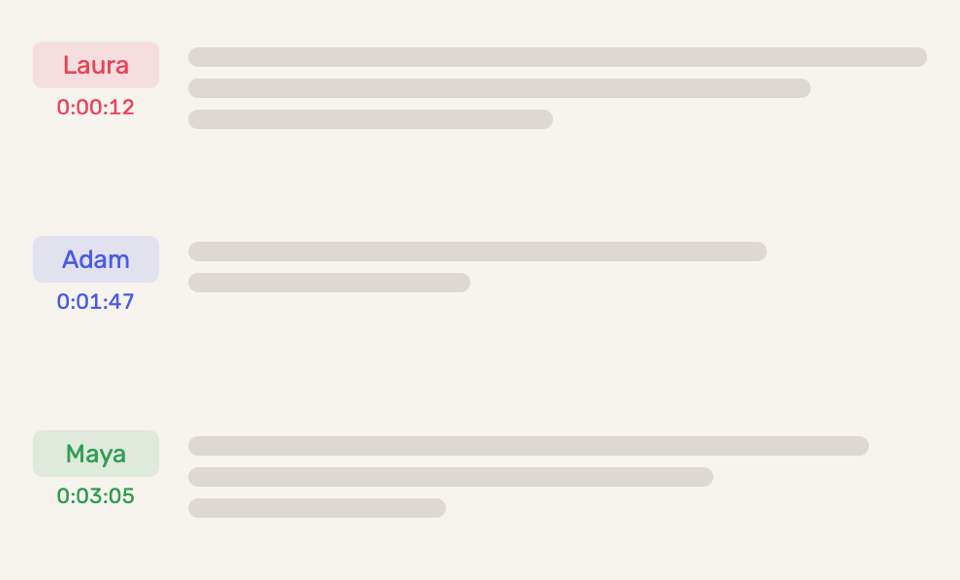
知道谁说了什么。Noted 会在转录中标出每个人的声音,你还可以为每位讲话者填上真实姓名。

打造属于你的 Noted。可选浅色与深色主题,主屏幕上的应用图标也会随之换色。
机器学习会识别并跳过录音中的背景噪音与静音,直接带你到最重要的部分。
 导出 PDF
  调整边距
调整边距  网页分享笔记
  日期格式
日期格式  降噪
降噪  快进快退
快进快退  归档笔记
归档笔记  均衡器
均衡器  导出 Watch 录音
  导入文档
导入文档  录音质量
录音质量  音频修剪
音频修剪  导入多段录音
  保留时间戳
保留时间戳 我们喜欢它简洁的界面和各种额外功能:自定义颜色和样式、用荧光笔标出文字、添加图片,还能随手涂鸦。
如果你曾试过一边听别人讲话一边做笔记,就知道要记下每一个字是不可能的。Noted 让你在录制带时间戳的音频的同时做笔记,把这两个问题一并解决,为你节省大量时间。
Noted 把富文本记事本和语音备忘录合二为一。这在 iPhone 上并不是新概念,但 Noted 能让你在录音中标记重要时刻,因而与众不同。
高效又好用。非常适合需要在讲座、会议和采访中同时录音和做笔记的人。
Noted 设计简洁,轻点几下就能新建笔记并开始录音。录音时,Noted 会为每一个新行加上时间戳,要跳到音频中的特定位置也很容易。
录音功能让它脱颖而出。如果你经常录制采访,或者常常把会议、课堂录下来以便日后查阅,Noted 值得一试。
五星评分,满分五星
录音清晰 降噪 作为记录特别方便 可以下来再次听取录音进行补充笔记,也可以在关键点尽心录音标记,听取需要的录音段
五星评分,满分五星
真的很好用,可以断断续续录音的同时可以记录文本,文本会标记录音时间节点,录音中途可以拍照,绘画等等,文本可以标记重点等,目前用的非常方便~
五星评分,满分五星
感谢团队做如此良心的软件!随堂录音做笔记以及回顾都方便!目前已有的录音转文字对于课堂录音来说正确率都不高所以觉得noted的形式更方便呢!
适用于 iPhone、iPad、Mac、Apple Watch 与 Apple Vision Pro。

